

LG ThinQ
- 4.3
- 50M+
- Trusted
ADVERTISEMENT
1. App Overview
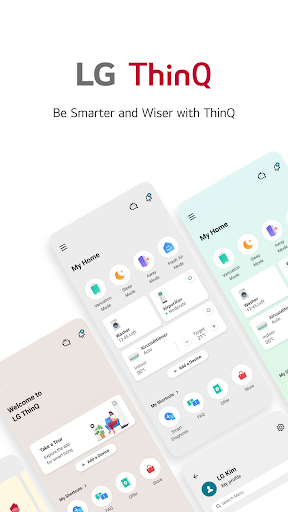
The LG ThinQ app is designed to bring seamless connectivity to your IoT home appliances, making it easier for users to control and automate their living spaces. This app is particularly beneficial for those who value a smart home setup, providing a single solution for managing various devices. With the ability to control appliances from anywhere, users can monitor their home's systems and appliances with greater ease, ensuring that they operate efficiently. The app addresses the common frustrations of managing multiple devices by providing centralized control and tailored recommendations based on user habits. 🌟
2. APK Download Context
By opting to download the LG ThinQ app in its APK form, users gain greater flexibility and control over their smart home devices. This option is especially valuable for those using Android platforms, providing them with the latest features and updates directly from the source. Installing the APK can often bypass limitations set by traditional app stores, empowering users to take full advantage of the app's potential. Whether you’re looking to enhance existing features or explore new ones, having the APK allows for an optimized experience tailored to your personal preferences. 📲
3. Key Features
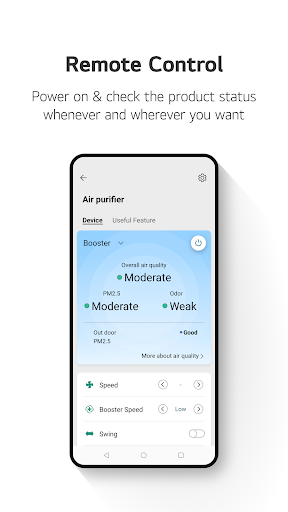
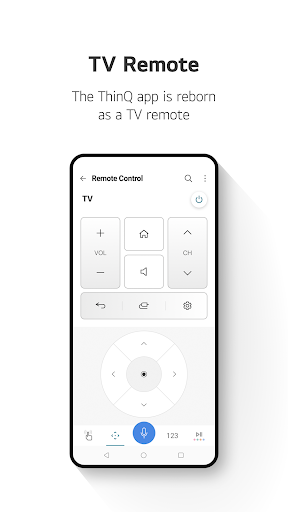
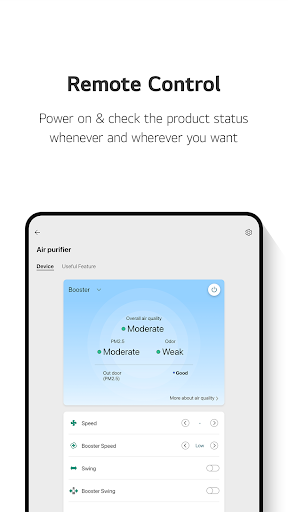
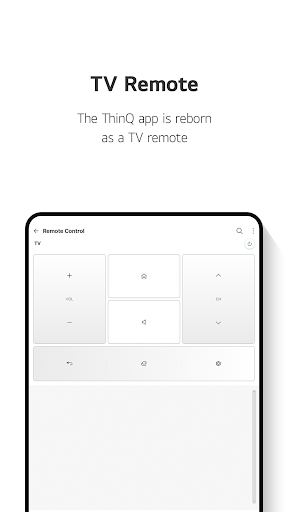
- Control your IoT home appliances from anywhere using your smartphone.
- Receive personalized recommendations for appliance management based on usage history.
- Create smart routines, such as automatic control of lights and air purifiers.
- Monitor energy consumption with detailed insights and comparisons with neighbors.
- Access troubleshooting and service requests through the app's Smart Diagnosis feature.
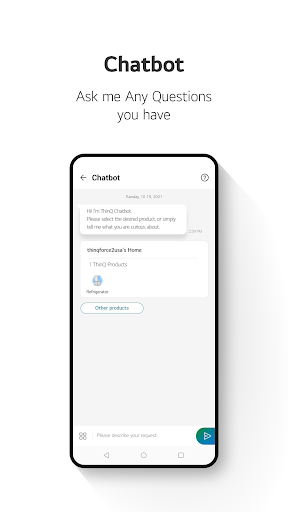
- Interact with an AI-powered chat assistant to get tailored advice about your appliances.
4. Advantages
5. Potential Drawbacks
ADVERTISEMENT
Install Latest APK
LG ThinQ Information
-
App NameLG ThinQ
-
CategoryLifestyle
-
DeveloperLG Electronics, Inc.
-
Developer Email
-
Version5.1.30310
-
Download50M+
Screen Shot








Related Articles


ADVERTISEMENT


